



From a Notion database to an embedded chart.
A five-step quickstart, then a guide for each step.
Quickstart
- Sign up free. No card required.
- Connect a Notion database, or start with sample data. You can also upload a CSV.
- Pick a chart type, an X axis, a Y axis and an aggregation.
- Save the chart, then copy its Embed link.
- In Notion, type /embed and paste the link.
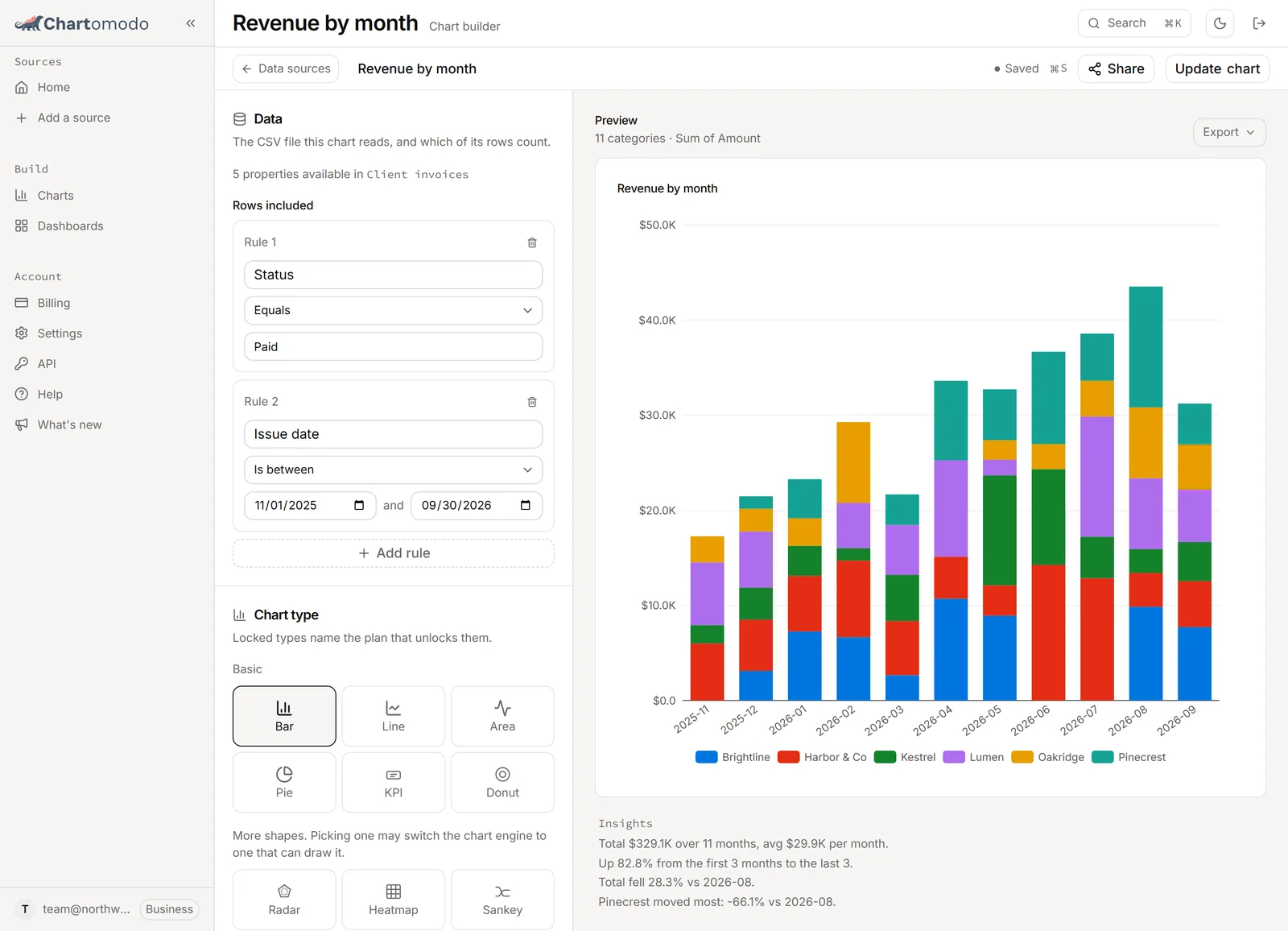
Connect your data
Give ChartOmodo read access to a Notion database, or start from sample data.
- Connect a Notion database
Give ChartOmodo read access to a Notion database: the Notion approval screen, sharing databases later, how fresh the data is, and sample data.
- Connect a database, Google or Stripe
Connect a database, a Google account or Stripe: what each connector reads, how sync works and what each error message means.
Build charts
Build a chart step by step, then put several on one dashboard.
- Build your first chart
Pick a source, a chart type, an X and a Y axis and an aggregation, then filter, group, split and format it, and save it to embed.
- Build and share a dashboard
Put saved charts on one grid, drag and resize blocks, see how many dashboards each plan holds, and share the whole page through one Notion embed link.
Embed and share
Put a chart or a dashboard in a Notion page, and keep private links private.
- Embed a chart in a Notion page
Paste a ChartOmodo chart into Notion with /embed, resize it, pick a theme, keep a private link private, and fix an embed that shows nothing.
Account
Plans, upgrades and billing.
- Work as a team in ChartOmodo
Invite teammates, share charts and dashboards, and manage seats.
- Plans, upgrades and billing
Upgrade, change or cancel your ChartOmodo plan, pay in USD or Rupiah, find invoices, and fix a payment that did not go through.
Developers
Push rows over HTTP and read charts back, from a script, n8n or an agent.
- API reference
Push rows to ChartOmodo from n8n, Make, Zapier or any script, and read your charts back over HTTP.
- Agents and assistants
Point a coding assistant or agent framework at one OpenAPI URL or one skill file, and it can push rows into ChartOmodo and read charts back.
- Push rows from n8n
Install the ChartOmodo community node in n8n, create a token, and push workflow items into a dataset as rows, with retries that never add a row twice.
Fix a problem
One page with the message you see and its fix, for a Notion connection, a chart or an embed.
- Fix a chart, embed or connection problem
What each Notion connection message means and what to do, plus fixes for an empty chart, a missing builder option and an embed that shows nothing.
Notion chart guides
What Notion's built-in charts do, where they stop, and a way around each limit.
- Notion chart limits and what to do about each
Where Notion's built-in charts stop: plan caps, unsupported axes and dashboards. Each limit with its source, and a way around it.
- Chart a Notion rollup: why it fails and the fix
Notion charts cannot use a rollup property as an axis. Why that is, the formula route Notion's help page allows, and how to chart the rollup in ChartOmodo.
- Notion dashboards without the Business plan
Notion's dashboard view needs the Business or Enterprise plan. What that costs a team, and how to build a chart dashboard you embed in a Notion page instead.
- Notion cumulative chart: running totals and burn-up
When Notion's chart offers a cumulative option, and how to build a running total or burn-up chart from a Notion database in ChartOmodo.
- Notion funnel chart from a CRM database
Notion's chart block has no funnel. Chart a Notion CRM as horizontal bars in Notion, or as a funnel of the deals that reached each stage.
- Notion habit tracker chart: weekly and calendar
Chart a Notion habit tracker: one chart inside Notion's Free plan, weekly bars in ChartOmodo, or a calendar heat map with one square per day.
- How to make a chart in Notion
Notion's built-in chart step by step, each limit quoted from Notion's help pages, and when embedding a chart from a separate tool makes sense.
Need help?
Email support@chartomodo.com. We reply within 2 business days.